A desk that fights you rarely does it loudly. There is no single broken thing — just a mouse that runs out of room at the wrong moment, a wrist resting on a hard front edge, a cable that tugs the monitor a few millimetres out of square every time you stand up. After a while you stop noticing the individual faults and simply notice that you do not much enjoy sitting there.
The fix is almost never another accessory. It is deciding what the surface is for, in what order, and letting everything else fall where it has to.
Start from what you cannot move
Two things on any desk are effectively fixed: where the light comes from, and how far the chair can sit from the wall. Everything else — monitor, keyboard, mat, lamp, the mug that migrates — is negotiable. Negotiating it before you have settled the two fixed points is how a setup ends up rebuilt three times in a month.
Put the desk so a window falls to one side rather than in front of you or behind you. In front, you spend the day looking into a bright rectangle with a dimmer one in the middle of it. Behind, every glossy surface reports the window back at you. To the side, the light travels across the desk, which is the direction that makes a matte surface read as a surface instead of a mirror.
Then sit down properly — back against the chair, forearms level, shoulders down — and notice where your hands naturally land. That spot, not the desk’s dimensions, is what sets the usable depth of the surface.
Depth before width
Most people buy a mat that is wide enough and too shallow, because width is the number you can see and depth is the number you feel. If the keyboard ends up parked at the front edge, you lose the strip of support the mat exists to provide, and your wrists spend the day on the desk’s bare lip instead.
The working rule: leave six to eight centimetres of mat in front of the keyboard. That is roughly the width of a palm, and it is the difference between a mat you rest on and a mat you merely type above. Measure from the front edge of the desk to whatever sits behind the board — a monitor foot, a stand, the wall — before you choose anything.
One surface, not three
A single continuous mat reads as a decision. A mouse pad, a wrist rest and a felt coaster read as three separate purchases that happen to share a table. The difference is not only visual: every extra edge on a desk is another thing for a sleeve to catch, and another height your hand has to step over.
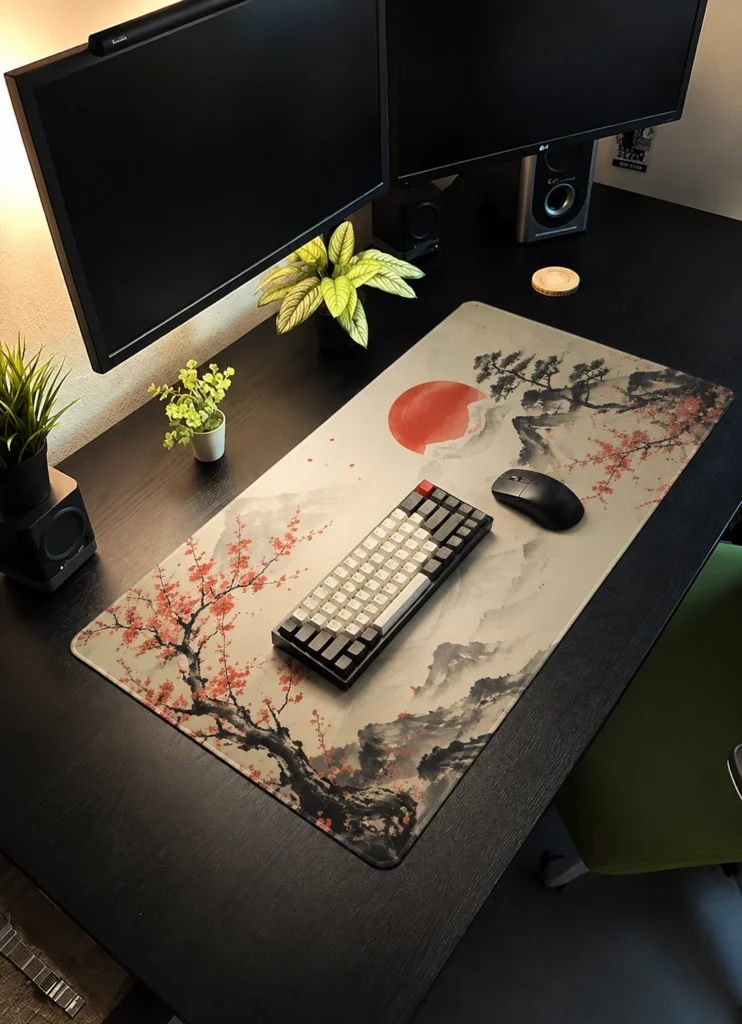
This is the entire reason the wider sizes exist. Extended (900 × 400 mm) puts a full-size board and its mouse on one plane. Full Desk (1200 × 600 mm) does the same for the whole worktop, and turns the desk itself into a frame around the mat rather than a competing surface.
Thickness is an ergonomics decision, not a comfort one
The three thicknesses get described as a comfort scale, which makes 5 mm sound like the obvious upgrade. It is not that simple, because thickness changes the height of your hands relative to the desk.
- 3 mm low profile — the mat disappears. Right when the desk is already at the correct height and you do not want to change anything about how your hands sit.
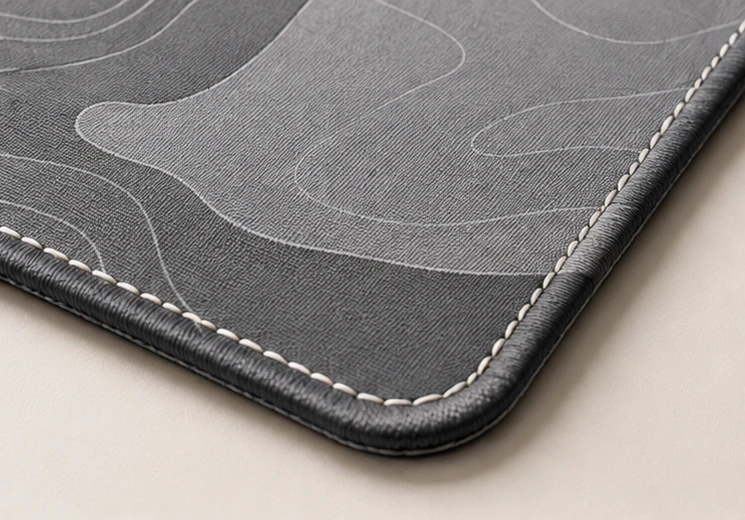
- 4 mm balanced — enough padding to feel under the wrist, not enough to change your typing angle. The safe answer for most desks.
- 5 mm cushioned — noticeably softer, and it raises your wrists by half a centimetre. That is a genuine improvement on a desk sitting slightly too low, and a genuine annoyance on one already a touch too high.
If your desk height is adjustable, thickness barely matters — pick by feel. If it is fixed and slightly wrong, thickness is one of the few free corrections available to you.
Cables last, always
Route cables after the mat is down, never before. The mat sets the final depth of everything on the desk, so any cable length measured against the old layout will be wrong by four or five centimetres — which is exactly the amount that leaves a keyboard cable pulled taut across the front edge.
Lay the mat, put the board and mouse where they actually want to sit, use the machine for a day, and only then tidy the cables. Anything routed before that is being routed to a layout that does not exist yet.
What finished looks like
You will know the setup has stopped fighting you when nothing on the desk needs moving before you can start working. No shuffling the mat back into square, no lifting the board to free a trapped cable, no pushing a stack of paper aside. You sit down and the surface is already the way you left it.
That is a lower bar than most desk advice sets, and a far more useful one. A desk does not need to be photogenic. It needs to be ready.